

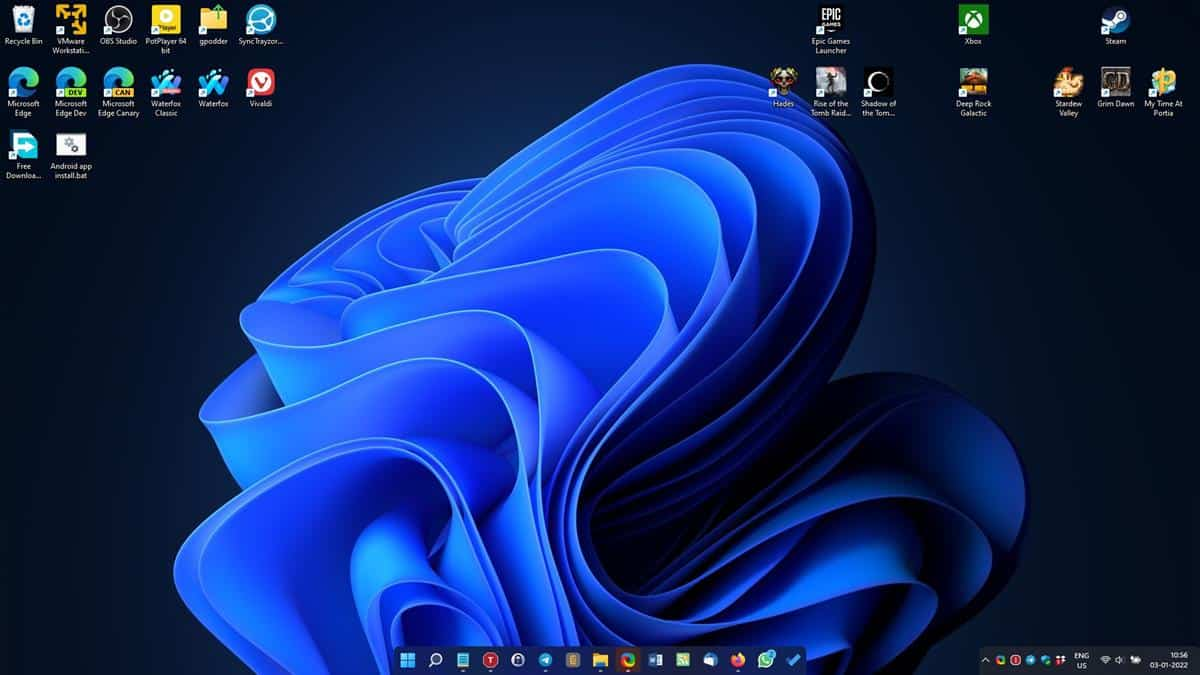
TaskbarX is one of the most well-known tools for customizing the Windows taskbar. It is widely used to center icons, improve visual style, and add smooth animations to the desktop. Because of its popularity, many users ask whether it is the best taskbar customization tool available.
The answer is not completely yes or no. TaskbarX is one of the best tools for simple, lightweight, and aesthetic taskbar customization, but whether it is the “best” depends on what the user is looking for.
Strength in Simplicity and Design
One of the strongest reasons TaskbarX is considered the best by many users is its simplicity. It focuses on doing one job very well—improving the appearance of the taskbar.
By centering icons and adding smooth animations, it instantly makes Windows look more modern without requiring complex setup. Users do not need technical knowledge to use it, which makes it highly accessible.
For people who want a clean and stylish desktop without complicated tools, TaskbarX often feels like the best option.
Lightweight Performance Advantage
Another reason TaskbarX is highly rated is its lightweight performance. It uses very little CPU and RAM while running in the background.
This makes it suitable for both high-end and older PCs. Many customization tools slow down the system, but TaskbarX avoids this problem by focusing only on taskbar behavior.
Because of this efficiency, users can enjoy visual improvements without sacrificing performance.
Strong Focus on Aesthetic Customization
TaskbarX is especially popular among users who care about desktop aesthetics. It allows centered layouts, transparency effects, and smooth animations that create a modern Windows look.
For users who enjoy minimalist or visually appealing desktops, TaskbarX delivers exactly what they need.
However, it is important to understand that its focus is limited mainly to the taskbar, not full desktop customization.
Limitations Compared to Other Tools
While TaskbarX is excellent for taskbar customization, it is not a full desktop customization suite. Other tools may offer additional features like widgets, advanced taskbar replacement, or system-wide UI changes.
Some modern customization tools may provide more features overall, especially for users who want complete control over the entire Windows interface.
Because of this, TaskbarX is best viewed as a specialized tool rather than an all-in-one solution.
Windows 11 Reduced Its Necessity
One reason TaskbarX is less essential today is that Windows 11 already includes centered taskbar icons by default. This removes one of the main original reasons people installed TaskbarX.
However, TaskbarX still adds extra features like animations and deeper customization options that Windows does not fully offer.
So while it is not always necessary anymore, it still provides value for users who want more than default settings.
Best Use Case for TaskbarX
TaskbarX is best suited for users who want:
A clean and centered taskbar layout
Smooth animations for icon movement
A lightweight customization tool
A modern aesthetic without changing the entire system
For these users, it can feel like one of the best taskbar tools available.
Not Always the “Best” for Everyone
There is no single “best” taskbar tool for all users. Some people prefer simplicity, some want advanced customization, and others want full desktop replacements.
TaskbarX excels in visual simplicity and lightweight performance, but it may not meet the needs of users who want deep system-level customization or extra features beyond the taskbar.
Conclusion
TaskbarX can be considered one of the best taskbar tools for users who want a simple, lightweight, and visually appealing way to customize their Windows taskbar. It delivers excellent centered layouts, smooth animations, and modern design improvements without affecting system performance.
However, whether it is the “best” depends on user needs. For pure taskbar aesthetics and simplicity, it is outstanding. For full-feature customization or advanced system control, other tools may offer more features.
